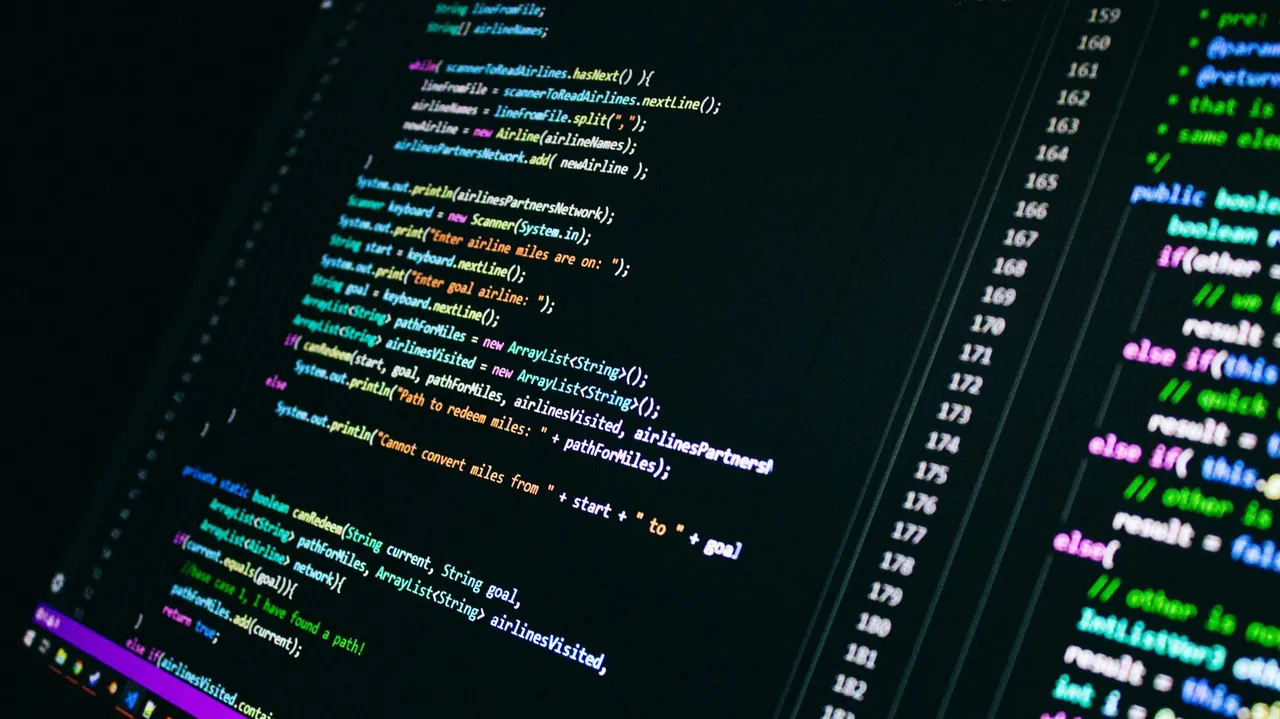
Most "Midjourney API tutorials" show one curl and stop before the part that actually matters: the job. You submit a prompt, and the image arrives seconds later — not in the HTTP response. If you don't understand that async flow, your first integration will hang, time out, or burn an account session. This is the midjourney api tutorial I wish existed when I built the first one: what you need, how auth works, and a request flow you can run today.
Nextjourney is not affiliated with Midjourney or Discord. Midjourney has no official API; every wrapper and self-hosted platform operates through Discord accounts and carries the same Terms of Service risk. See why Midjourney has no official API before building anything serious on it.
What you need before the first request
Three things, no more:
- An API endpoint — a wrapper you rent (Apiframe, LegNext style) or a self-hosted platform.
- An API key — a bearer token that maps to your account pool.
- A prompt — the text you'd type into Discord, style parameters included.
Midjourney itself runs inside Discord and has no public REST endpoint. So "the Midjourney API" means a layer between you and Discord: it receives your HTTP request, submits the prompt to a Midjourney account, waits for the render, and hands the image back. That layer is either rented or self-hosted, and that choice drives everything below.
The auth model: scoped key, not a Discord token
Rental platforms give you a project key. Self-hosted platforms issue a key from their admin dashboard. Either way, the header is the same:
curl -X POST https://api.your-platform.com/v1/generate \
  -H "Authorization: Bearer $API_KEY" \
  -H "Content-Type: application/json" \
  -d '{"prompt": "a red fox in a snowy forest --ar 16:9"}'
Do not paste a raw Midjourney/Discord token into application code. If a tutorial tells you to commit an account token into your app, treat the whole source as suspect — that's how sessions get burned and accounts get banned. Midjourney account safety covers the rotation and rate-limit practices that keep those sessions alive.
Submit, poll, collect: the async job flow
The response to POST /v1/generate is not an image. It's a job:
{
  "jobId": "job_9f2c1b",
  "status": "queued"
}
Your client then polls the job endpoint until the image is ready:
curl -H "Authorization: Bearer $API_KEY" \
  https://api.your-platform.com/v1/jobs/job_9f2c1b
{
  "jobId": "job_9f2c1b",
  "status": "completed",
  "imageUrl": "https://cdn.your-platform.com/job_9f2c1b.png"
}
First-time integrations die right here. A generation takes 30-90 seconds depending on queue depth and plan. If you hold the HTTP request open that long, proxies time out and users see an error for work that eventually succeeded. Design for a status field: queued, running, completed, failed — the same lifecycle the Midjourney REST API guide documents in full.
Midjourney API tutorial: from zero to first image in five minutes
A minimal working loop, in Node.js:
const API_URL = process.env.API_URL;
const API_KEY = process.env.API_KEY;

async function generate(prompt) {
  const submit = await fetch(`${API_URL}/v1/generate`, {
    method: "POST",
    headers: { "Authorization": `Bearer ${API_KEY}`, "Content-Type": "application/json" },
    body: JSON.stringify({ prompt })
  });
  const { jobId } = await submit.json();

  for (let i = 0; i < 60; i++) {
    const res = await fetch(`${API_URL}/v1/jobs/${jobId}`, {
      headers: { "Authorization": `Bearer ${API_KEY}` }
    });
    const job = await res.json();
    if (job.status === "completed") return job.imageUrl;
    if (job.status === "failed") throw new Error(job.error);
    await new Promise(r => setTimeout(r, 2000));
  }
  throw new Error("timed out");
}

console.log(await generate("a red fox in a snowy forest --ar 16:9"));
That's the entire core. If this is your first time, run it, get the fox, then go back and read the failure states — because production is where the tutorial ends and the real work begins.
The same flow in Python (if that's your stack) is in the Midjourney API Python tutorial, and the Node.js deep-dive with webhooks and retries is in Midjourney API with Node.js.
What the tutorial skips: errors, retries, and scale
Three things every "from zero" tutorial leaves out:
- 429 rate limiting — back off, don't slam. Retry loops without backoff get you throttled or banned.
- 400 rejected prompts — filter hits and account rejections are permanent. Retrying the same payload is pointless.
- Session health — when an API returns 401, the underlying account session is dead. That's a refresh flow, not a retry loop.
Once you're past one image and need a thousand, the queue-and-worker pattern in how to automate Midjourney handles concurrency and per-account limits. For the full architecture behind a production platform, including how jobs move through workers and what breaks, read the image generation platform architecture deep dive.
Pick the layer that matches your goal
For a weekend script, rent. For anything you charge customers for, the math changes fast: rental platforms bill per image forever, and their docs stop exactly where this tutorial stops. A self-hosted platform gives you the running code — the same queue, workers, and error handling — with one-time licensing instead of per-image fees.
Ready to self-host?
Full source code — backend, frontend, REST API, admin dashboard. One-time license from $399.
See pricingYour first image is the easy part
Submit, poll, collect — that's the whole first lesson, and you've got it. The hard parts are rate limits, dead sessions, and jobs that fail at 3 a.m. Build the happy path first, then wire up the failure states before you put it in front of paying users.